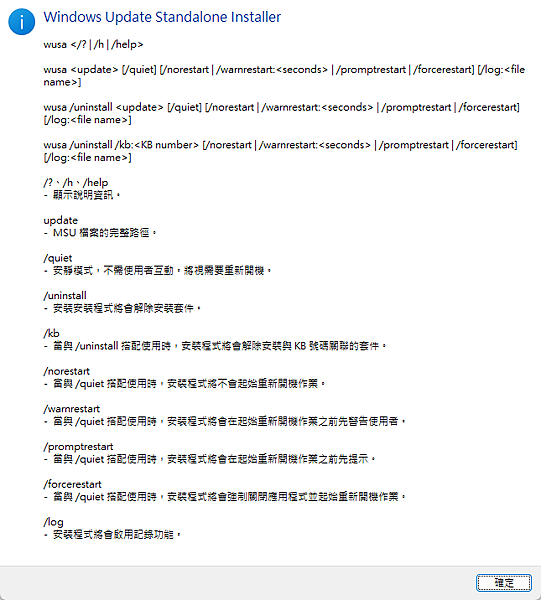
Windows Update Standalone Install
wusa </? | /h /help>
wusa /uninstall <update> [/quiet] [/norestart | /warnrestart:<second> | /promptrestart | /forcerestart] [/log:<file name>]
wusa /uninstall /kb:number> [/norestart | /warnrestart:<second> |/promptrestart | /forcestart] [/log:<file name>]
/?、/h、/help
- 顯示說明資訊
Update
-MSU 檔案的完整路徑
/quiet
- 安靜模式,不須使用者互動,將視需要重新開機。
/uninstall
- 安裝安裝程式將會解除安裝套件。
/kb
- 當與 /uninstall單配使用時,安裝程式將會解除安裝與KB號碼關聯的套件。
/norestart
- 當與/quiet單配使用時,安裝程式將不會起始重新開機作業。
/warnrestart
- 當與/quiet搭配使用時,安裝程式將會在起始重新開機作業前先警告使用者。
/promptrestart
- 當與/quiet搭配使用時,安裝程式將會在起始重新開機作業之前先提示。
/forcerestart
- 當與/quiet搭配使用時,安裝程式將會強制關閉應用程式並起始重新開機作業。
/log
- 安裝程式將會啟用記錄功能。

請先 登入 以發表留言。